How can we help?
Answers to common questions about Invoxtra on Mac, iPhone, and iPad. Can't find what you need? Reach out and we'll get back to you.
Q.How do I get started with Invoxtra?
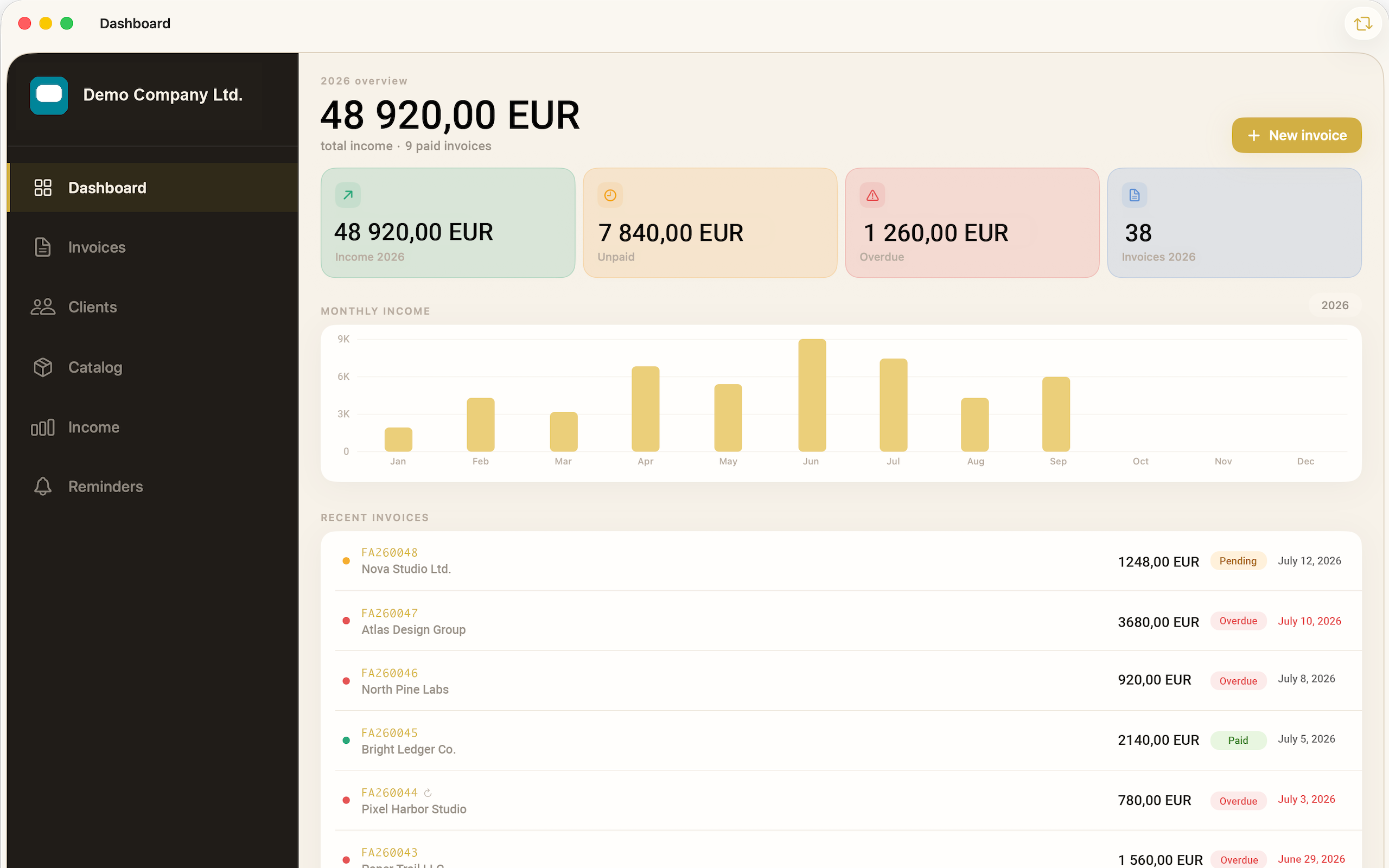
Download Invoxtra from the App Store on your Mac, iPhone, or iPad, then open the app and create your first client and invoice from the Dashboard. If you use Invoxtra on more than one device, sign in to the same iCloud account on each and your data will sync automatically.
Q.Does Invoxtra sync across my devices?
Yes. Invoices, clients, catalog items, and reminders sync securely through iCloud between Mac, iPhone, and iPad. Make sure iCloud is enabled in Settings and that you're signed in with the same Apple ID on every device.
Q.My data isn't syncing between devices. What should I check?
- Confirm you're signed in to the same iCloud account on all devices.
- Check that you have an active internet connection.
- Open Settings → [your name] → iCloud and confirm iCloud Drive is turned on.
- Give it a few minutes — sync isn't always instant, especially over a slower connection.
- Try closing and reopening the app to trigger a fresh sync.
Q.Can I customize how my invoices look?
Yes. Choose from six predefined invoice designs, rearrange layout sections, and add your own logo and slogan from the invoice design settings. Changes apply to new invoices going forward.
Q.What languages are invoices available in?
Invoxtra can generate invoices in English, German, Polish, Hungarian, Czech, and Slovak. You can set a default language in Settings or choose one per invoice.
Q.How do I export or share an invoice as a PDF?
Open any invoice and use the Preview option to see exactly how it will look, then choose Export or Print to save it as a PDF or send it directly from your device's share sheet.
Q.How do reminders work?
Invoxtra flags invoices that are due today, upcoming, or overdue in the Reminders tab, so you always know what needs attention without digging through your full invoice list.
Q.Is my data private?
Your invoices, clients, and catalog data are stored in your own iCloud account and are not shared with third parties. See our Privacy Policy for full details.
Q.How do I delete my data?
You can delete individual clients, invoices, or catalog items directly within the app. To remove all Invoxtra data from iCloud, go to Settings → [your name] → iCloud → Manage Account Storage, select Invoxtra, and choose Delete Data.
Get in touch with support
Send us a message and we'll usually reply within one to two business days.